How to write your methods
What the methods section must include so someone else could repeat your study.

Zotero and Mendeley: Organise Your References in One Afternoon
Spending hours formatting your bibliography by hand is unnecessary. With a reference manager, your citations and list build themselves and change style in one click.
Fenner et al. (2014) describe these as programs that store your sources, organise your PDFs and generate citations and bibliographies. The two most popular are Zotero, free and open source, and Mendeley, free and owned by Elsevier.
Mendeley works in a similar way with its Web Importer extension and its Cite add-in for Word.
| Zotero | Mendeley | |
|---|---|---|
| Cost | Free; extra storage is paid | Free; plans by storage |
| Strengths | Very accurate connector, open and flexible | PDF reader and social features |
| Ideal if… | You want control and cite many websites | You work with many article PDFs |
These programs are only as good as the metadata they capture. Always check:
Back up: turn on sync and save your Word file often. When you submit the final document, convert it to plain text with no fields so nobody sees errors when opening it on another computer.
For a few sources, use our APA 7 generator and check your work at the end with the citation checker.
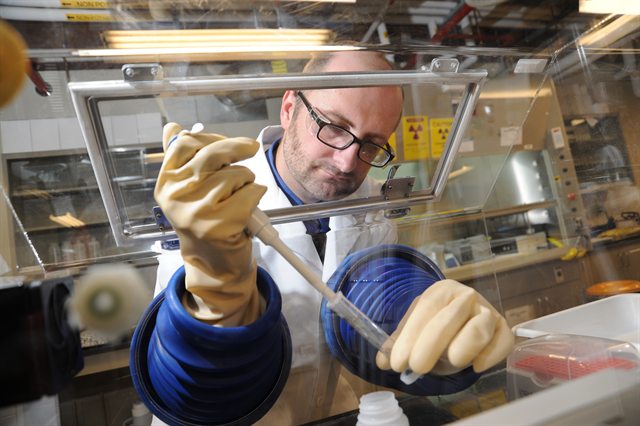
What the methods section must include so someone else could repeat your study.
When to use text, a table or a figure, and how to avoid repeating the same information three times.

The numeric style of the health sciences, with citation and reference examples.
Automatic assistant: it uses the site’s information and Wikipedia. Check important facts. Talk to a person